
4.8 KiB
The goal is to have a self-contained lesson page that can be built into a complete lesson.
DataLad version control
- The git-annex extension and external storages for large data
- The DataLad tool on top of git and its sub-commands
- Hands-on: Get to know the tutorial repository
- Hands-on: Add new data to the tutorial repository
TODO The git-annex extension and external storages for large data
TODO The DataLad tool on top of git and its sub-commands
TODO Hands-on: Get to know the tutorial repository
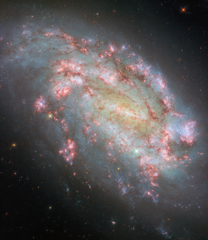
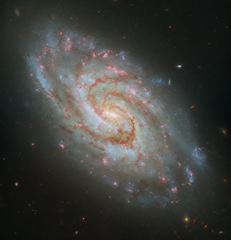
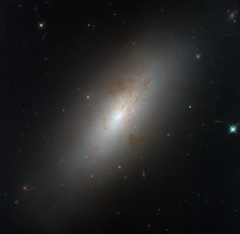
Let's work with a Datalad repository for ESA/Hubble Pictures of the Week at https://esahubble.org/images/potw/ (recently they changed to ESA/Hubble Pictures of the Month
- Look around in the gitlab project
- Install Datalad
- Clone the data repository
- Look at existing datasets
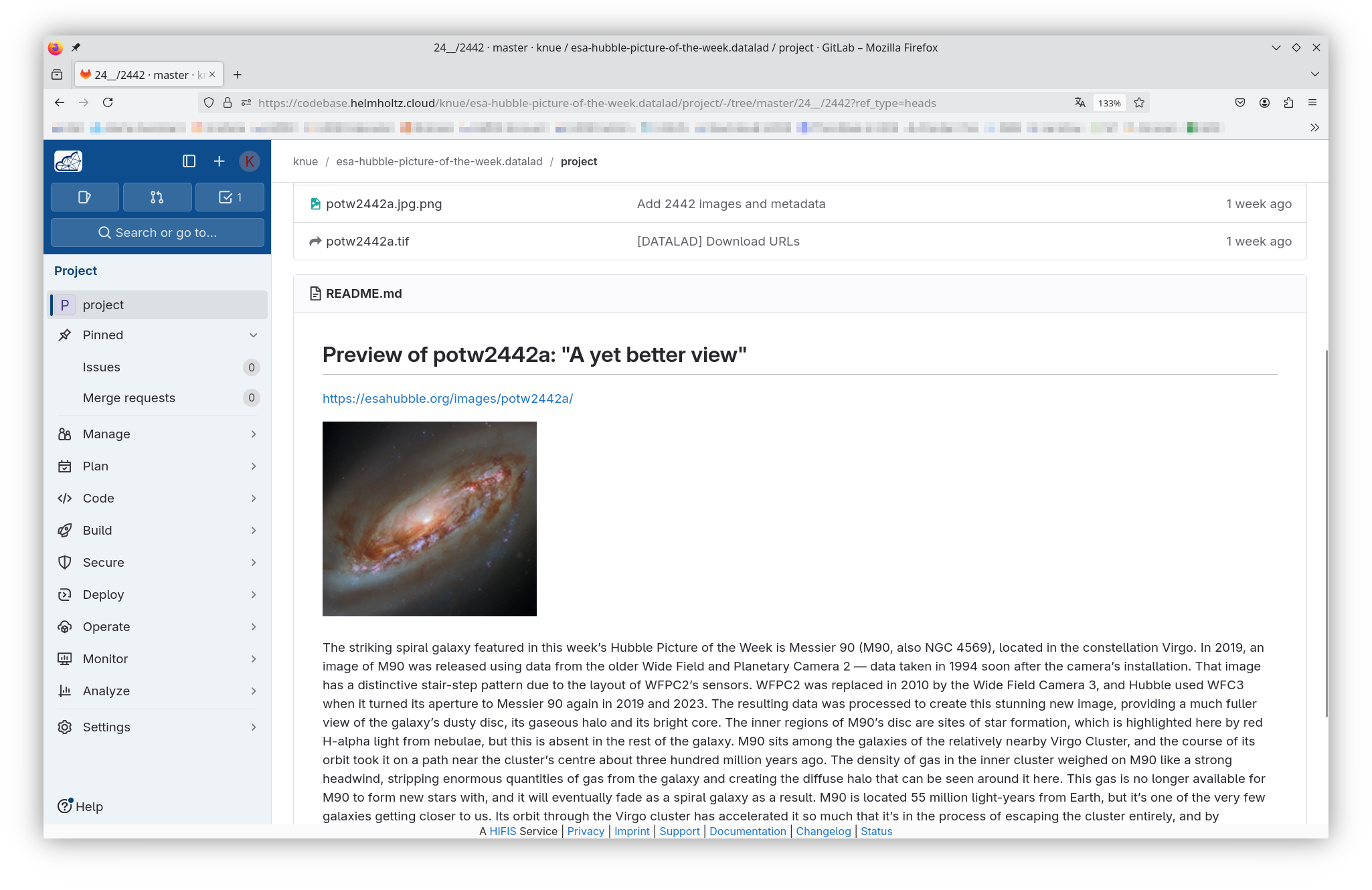
The GitLab Repository -- TODO replace with Forgejo
Look at the public GitLab repository https://codebase.helmholtz.cloud/knue/esa-hubble-picture-of-the-week.datalad/project
The GitLab Repository -- TODO replace with Forgejo
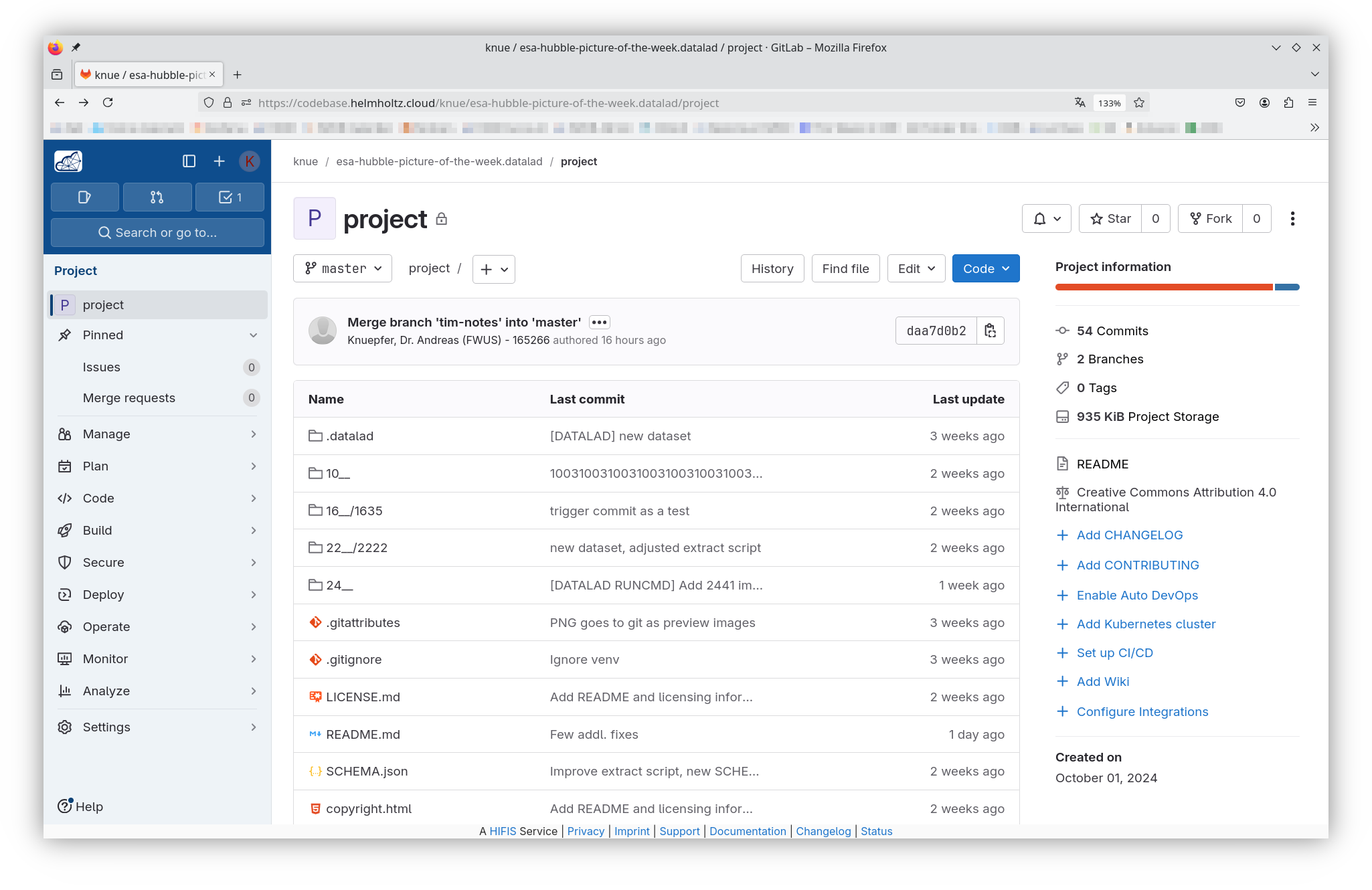
The GitLab Repository -- TODO replace with Forgejo
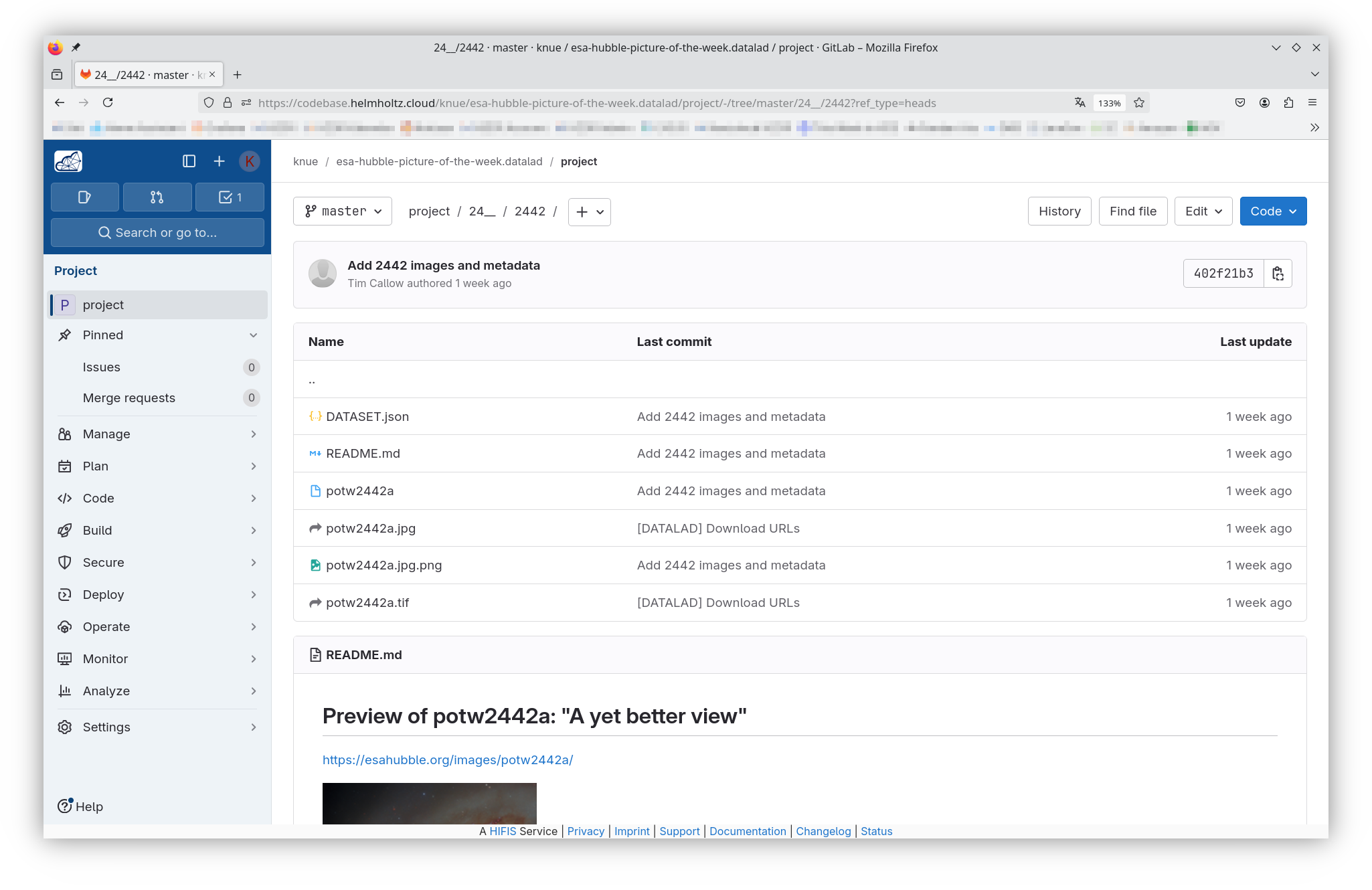
The GitLab Repository -- TODO replace with Forgejo
Install DataLad
Install DataLad and git-annex in your HPC account without sudo
python3 -m venv .venv
. .venv/bin/activate
pip install datalad git-annex
See the DataLad handbook for more ways to install: https://handbook.datalad.org/en/latest/intro/installation.html
Clone the repository
TODO update with Forgejo
- Make sure you are a project member in the GitLab repository
- Make sure to have your SSH key registered in GitLab
- Copy the "Clone with SSH" link
- More convenient for later when contributing to the repository
datalad clone git@codebase.helmholtz.cloud:knue/\
esa-hubble-picture-of-the-week.datalad/project.git \
    [esa-hubble-picture-of-the-week.datalad]
- Ignore the warnings about "Remote origin does not have git-annex installed" and "access to 2 dataset siblings ... not auto-enabled, enable with ..." because there are multiple annex storages (TODO not needed with Forgejo)
Look at existing datasets
Look around
cd 10__/1001/
ls -alh
md5sum *.tif
- Broken links are for missing annexed files
- Run either of
datalad get .orgit annex get .- The
-J <n>option uses up to n parallel streams
- The
ls -alh
md5sum *tif
- Run either of
datalad drop .orgit annex drop .
ls -alh
Hands-on Step 1 finished
This is the way how DataLad and git-annex manage large, binary files
Congratulations, you mastered the first step
More details
- You can configure which files to make annexed files according to type, size, ...
- You can have one or multiple annex storages
- It works with Github or GitLab or similar git forges with extra annex storages
- Forgejo-Aneksajo (https://codeberg.org/forgejo-aneksajo/forgejo-aneksajo) makes it even easier with built-in support for annexed files
TODO Hands-on: Add new data to the tutorial repository
Adding new data to the tutorial repository
In this hands-on session, we will add new data to our DataLad repository. This includes downloading images from the ESA/Hubble website and integrating them into our dataset using DataLad's tools.
Steps:
-
Download new images:
- Visit the ESA/Hubble Pictures of the Month website.
- Select a few images to add to your dataset.
- Download these images to a local directory (e.g.,
downloads/).
-
Add images to the dataset:
- Use
datalad addto include the downloaded images in the dataset. - Commit the changes to the dataset.
- Use
-
Verify the addition:
- Check that the images are properly tracked by DataLad.
- Ensure that the metadata is correctly updated.
This process demonstrates how DataLad handles large files efficiently, using git-annex under the hood to manage file storage and versioning.